
Ground Up
Visuals Blog
Insights on tech, content creation, and lifestyle
This is paragraph text. Click it or hit the Manage Text button to change the font, color, size, format, and more. To set up site-wide paragraph and title styles, go to Site Theme.
A Simple Beginner Camera Gear Setup
Best 10 starter kits on Amazon
- Canon EOS R50 Content Creator Kit with 18-45mm Lens
- Canon EOS R8 Content Creator Kit
- Sony ZV-E10 Mirrorless Vlog Camera Kit
- Canon EOS R50 Mirrorless Camera Vlogging Creator Kit
- Nikon Z30 Creator’s Kit bundle
- JOBY Skilled Vlogger Kit
- JOBY GorillaPod Mobile Vlogging Kit
- Yeaki Vlogging Kit for iPhone/Android
- Kalofaye Vlogging Kit for iPhone/Android
- Acuvar Vlogging Kit with Tripod, LED Light, Microphone & Phone Mount
Disclaimer: As an Amazon Associate I earn from qualifying purchases.
Best Camera Gear for Beginner Filmmakers
If you want a simple recommendation, start with a camera kit lens first. A kit lens gives beginners flexibility without forcing them to buy multiple lenses right away. Canon’s EOS R50 content-creator options pair the camera with creator-focused accessories, and the R50 kit version uses an RF-S 18-45mm lens, which is a practical focal range for learning everyday shooting, vlogging, and general content creation.
Top Kit Lenses / Beginner
Mirrorless Lenses
- Canon RF-S 18-45mm
- Sony 16-50mm kit lens
- Nikon 16-50mm kit lens
- Canon RF 50mm f/1.8 STM
- Canon RF 16mm f/2.8 STM
- Sony E PZ 16-50mm OSS
- Nikon NIKKOR Z DX 16-50mm
- Canon RF-S 18-150mm
- Sony E 55-210mm
After the camera, the next best purchase is usually a microphone. Beginners often focus too much on image quality and forget that bad audio can ruin otherwise solid content. A simple on-camera or wireless mic can immediately make videos sound more professional for interviews, talking-head videos, fitness clips, and business promos. Even major creator-kit guides emphasize audio as one of the core pieces of a usable beginner setup.
Top On-Camera / Wireless Microphones
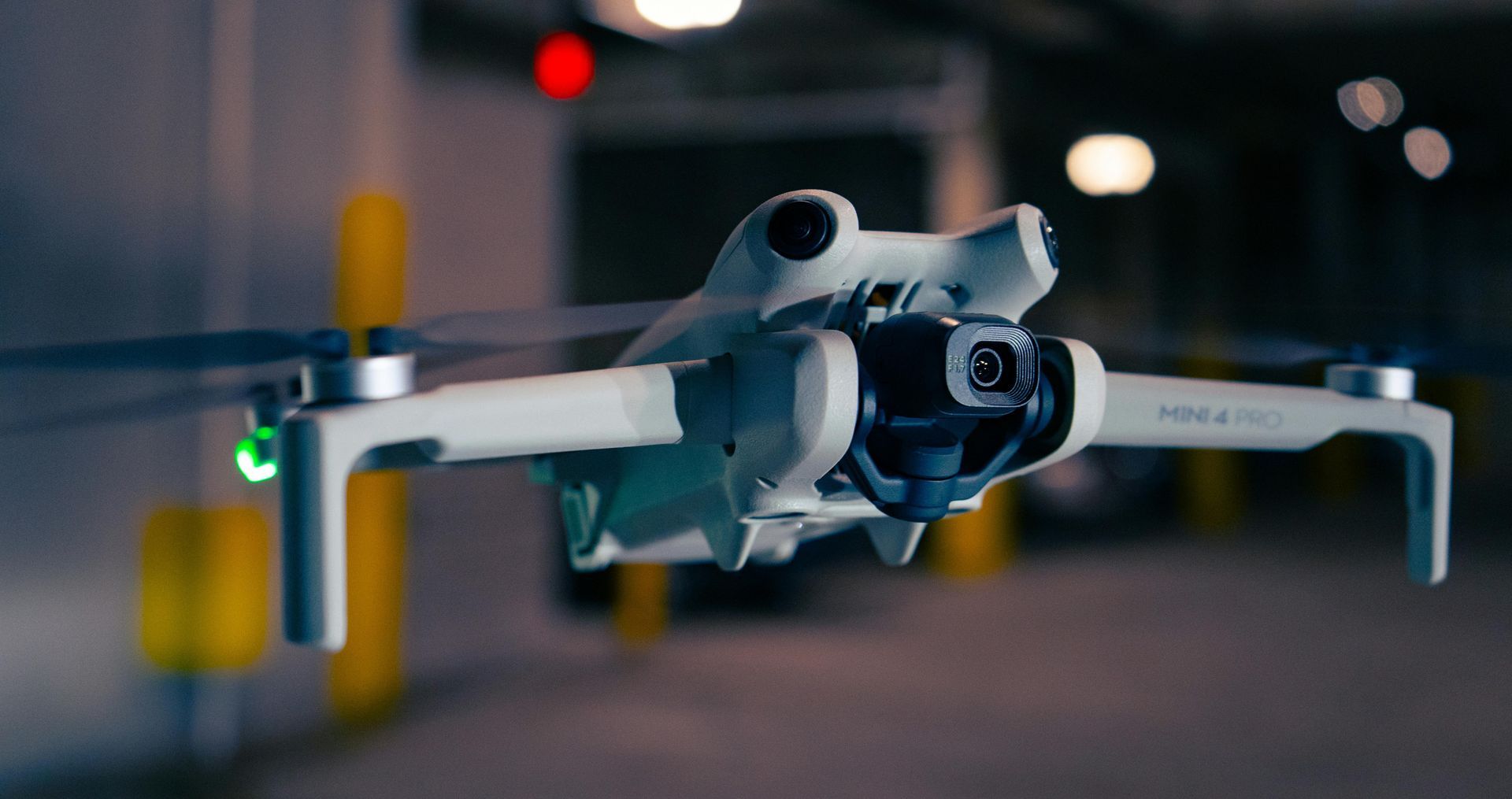
DJI Mini 4 Pro
Click here to viewSony a6700
Click here to viewDJI Mic Mini
Click here to viewRonin RS3 Mini Gimble
Click here to viewEquipment I Use Every Day
A tripod or support system is another piece of gear that matters more than people expect. It helps with sharper photos, cleaner talking-head videos, smoother product shots, and more professional framing.
If you plan to shoot a mix of handheld and moving content, a small tripod or compact stabilizer can go a long way. DJI’s creator guidance also groups tripods and stabilization tools among the essential pieces of a content creator kit.
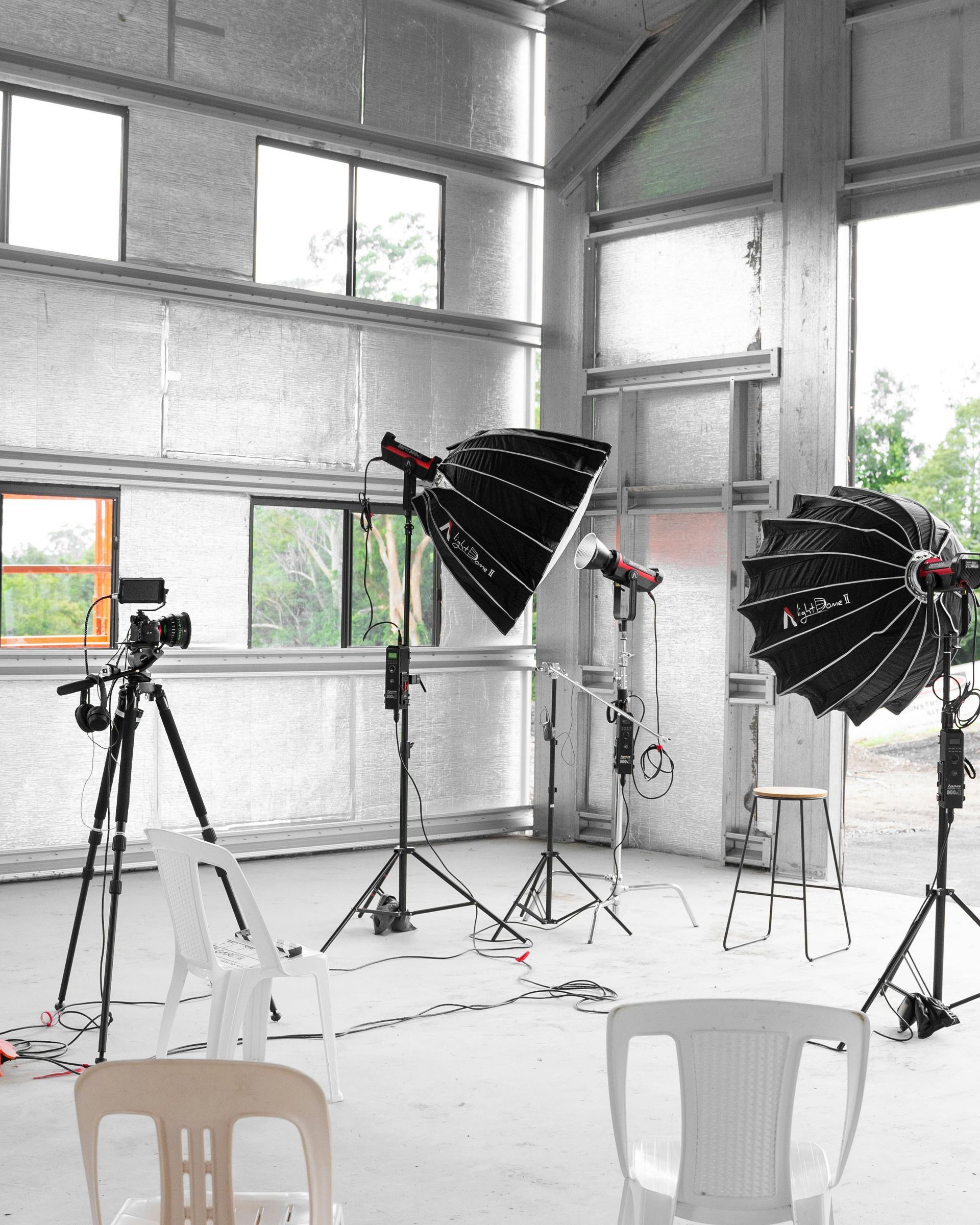
Lighting is where beginner content can really level up. You do not need a huge studio at first, but a small LED light or two can make a major difference. Good lighting helps skin tones, sharpness, and overall image quality far more than many beginners realize. If your budget is tight, natural window light plus one affordable LED light is often enough to start creating strong content.
Top Tripod Suggestions
- SmallRig 71" Foldable Aluminum Tripod/Monopod
- Sunpak 5858D
- Manfrotto Element MII
- Joby GorillaPod Compact
- UBeesize tripod
- Victiv tripod
- K&F Concept tripod
- Amazon Basics tripod
- Endurax camera tripod
- SmallRig desktop tripod
A few small accessories are worth buying early: extra batteries, memory cards, a card reader, a basic camera bag, and an external drive or SSD for storage. These are not glamorous purchases, but they make shooting and editing much easier. Beginner creator-kit guides regularly include batteries, storage, and support accessories because they solve real workflow problems right away.
For beginners on a budget, it is smarter to buy a balanced starter kit than to spend everything on one expensive camera body. A mid-range beginner camera with a kit lens, solid mic, tripod, and light is usually far more useful than a more expensive body with no supporting gear. Review roundups for beginner and sub-$1,000 cameras consistently favor practical, approachable models like the Canon EOS R50 and Canon EOS R10 for this reason.
Getting started with camera gear can feel expensive and confusing fast, but most beginners do not need a huge setup. The best starter kit is usually a simple, reliable camera body, one versatile lens, a basic microphone, a tripod, extra batteries, and good lighting.
That setup gives you enough to shoot photos, video, social content, lifestyle content, fitness videos, and beginner business promo work without wasting money on gear you will not use yet.
For most beginners, a mirrorless camera is the best place to start. Mirrorless cameras are smaller, easier to use, and built for modern photo and video workflows. Current beginner-friendly picks that are consistently recommended:
Top Mirrorless Camera Bodies
- Canon EOS R50
- Sony ZV-E10
- Sony a6700
- Canon EOS R10
- Nikon Z50 II
- Canon EOS R50 V
- Nikon Z5 II
- Sony a6400
- Canon EOS R100
- Nikon Z30
Review sites currently rate the Canon EOS R10 especially highly for new shooters because it combines beginner-friendly controls with strong autofocus, while the Canon EOS R50 is often highlighted as a strong value option under the $1,000 range.
Best Drones and Accessories
10 Best Drone Accessories
Good drone accessories matter because they solve the real problems people run into after the first few flights: short battery life, dirty takeoff areas, harsh midday light, not enough storage, and carrying everything safely. Amazon listings currently make that clear across charging hubs, ND filters, landing pads, and microSD products built around DJI Mini-class drones.
These are the kinds of accessories that make the biggest difference in real-world flying and content quality.
- DJI Mini 4 Pro ND Filters Set (ND16/64/256)
Great for bright outdoor shooting and long-exposure style footage. DJI’s Amazon listing specifically says it is designed for strong lighting conditions and long-exposure scenarios. - NEEWER ND & CPL Filter Set for DJI Mini 4 Pro
A broader filter set for creators who want more flexibility than a basic three-filter pack. - STARTRC ND Filters Set for DJI Mini 4 Pro
Another solid filter option for reducing light and controlling exposure in outdoor video. - SKYREAT ND Filters Set for DJI Mini 4 Pro
Good budget-friendly filter pack option with multiple coatings and a broader multi-filter bundle. - DJI Mini 4 Pro Two-Way Charging Hub
A practical upgrade because it can charge up to three batteries in sequence and also serve as a mobile power source. - LYONGTECH 6-in-1 Battery Charger for DJI Mini 4 Pro / Mini 3 Pro
Useful for people who want to charge multiple batteries and USB devices from one station. - Hanatora Fast Battery Charger for DJI Mini 4 Pro / Mini 3 / Mini 3 Pro
Another good multi-battery charging option for saving time between flights. - STARTRC PHOTO Foldable Drone Landing Pad
A practical accessory for keeping dirt, grass, and debris out of your motors and camera area during takeoff and landing. The Amazon listing shows Amazon’s Choice. - FPVtosky Reflective Drone Landing Pad
Another useful landing pad option with waterproof construction and easy cleanup. - SanDisk Extreme PRO microSDXC Card
One of the most useful accessories you can buy because drones fill storage quickly. Amazon’s product information explicitly positions this card line for drones and action cams with fast transfer speeds.
Best Simple Drone Starter Setup
If you want a simple recommendation, a very strong beginner combo would be:
- DJI Mini 4K Fly More Combo
- SanDisk Extreme PRO microSD card
- STARTRC landing pad
- ND filter set
- charging hub or extra charging solution
- Hard case or carry
That setup gives you a good balance of flight time, safer takeoffs, better footage in bright light, and easier file handling. The Mini 4K is especially appealing because it is under 249g, records stabilized 4K, and is currently one of the most visibly popular options on Amazon.
Final Thoughts: The best drone setup is the one that helps you fly more often and get cleaner footage with less hassle. For most beginners, that means starting with a reliable lightweight drone and then adding only the accessories that solve real problems: storage, power, glare, and safe takeoffs. That approach is usually better than overspending on advanced gear before you know your workflow.
Disclosure: This article contains Amazon affiliate links. If you click through and make a purchase, I may earn a commission at no extra cost to you. As an Amazon Associate I earn from qualifying purchases. Product links may redirect you to Amazon.
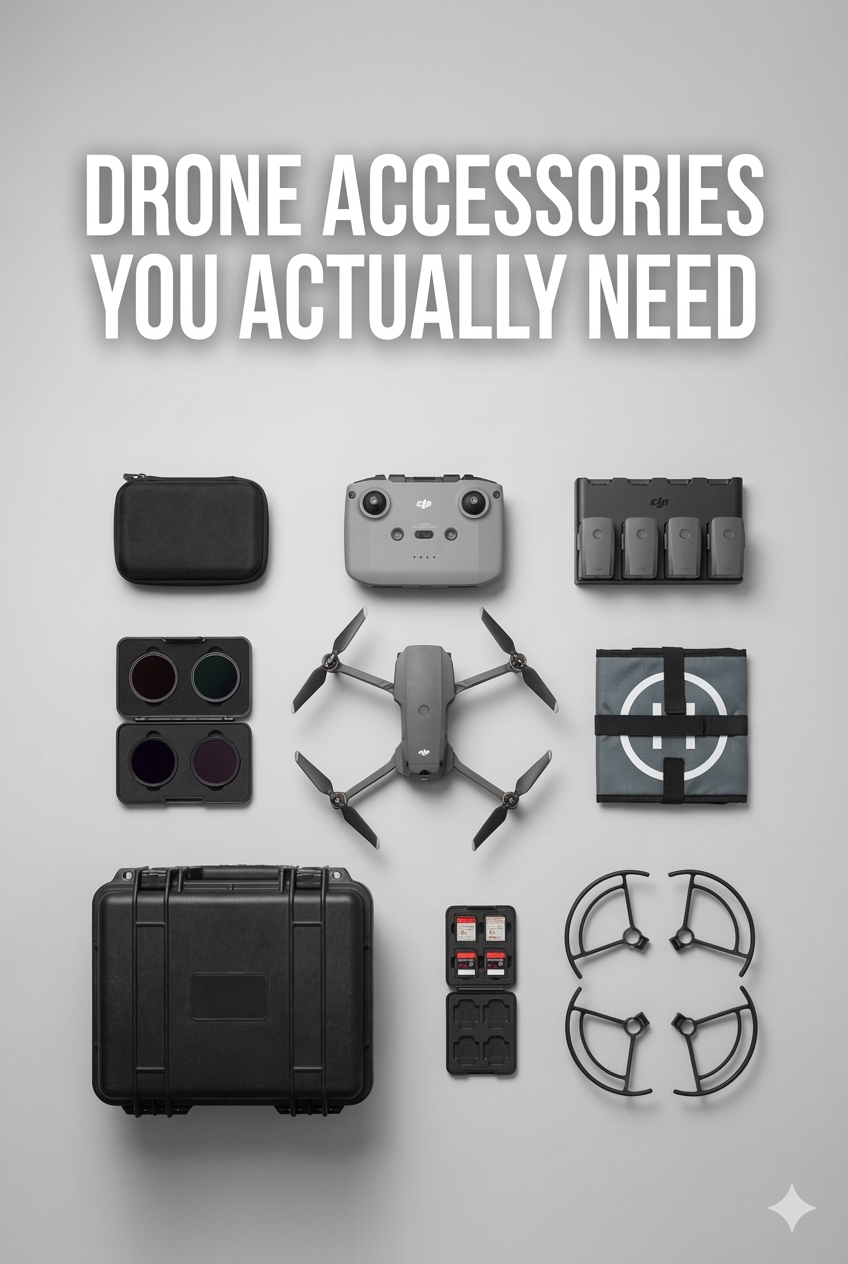
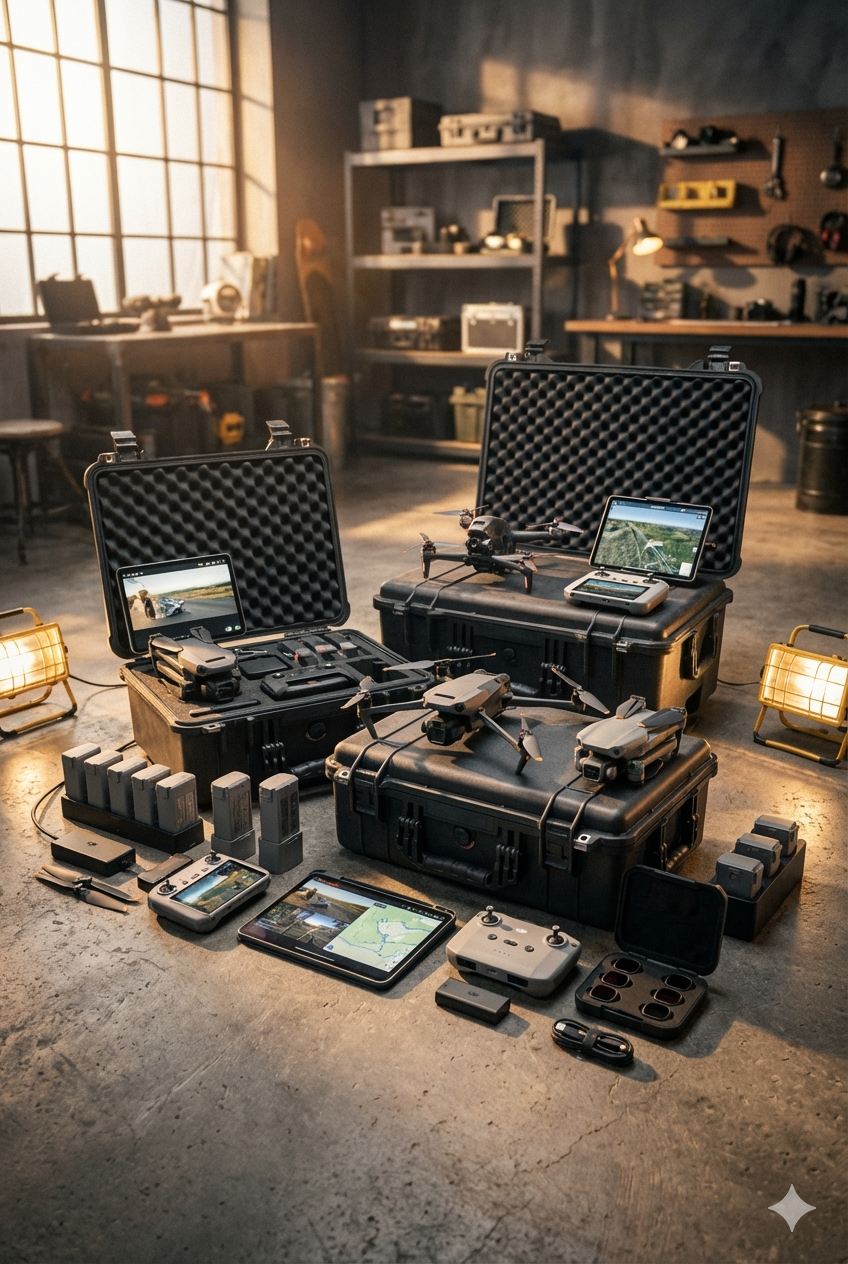
If you want to get into drone content, the best setup is not just a drone by itself. A strong drone kit usually includes the drone, extra power, storage, filters, and a few protective accessories that make flying easier and footage better.
For beginners, lightweight drones under 249g are especially attractive because several popular models in that class are built for portability and ease of use, and some may avoid certain registration requirements depending on how and where you fly. Always check current FAA rules before flying.
For most people, DJI still dominates the Amazon-friendly beginner and prosumer market, while Potensic offers a strong lower-cost alternative and Autel remains a credible upgrade path.
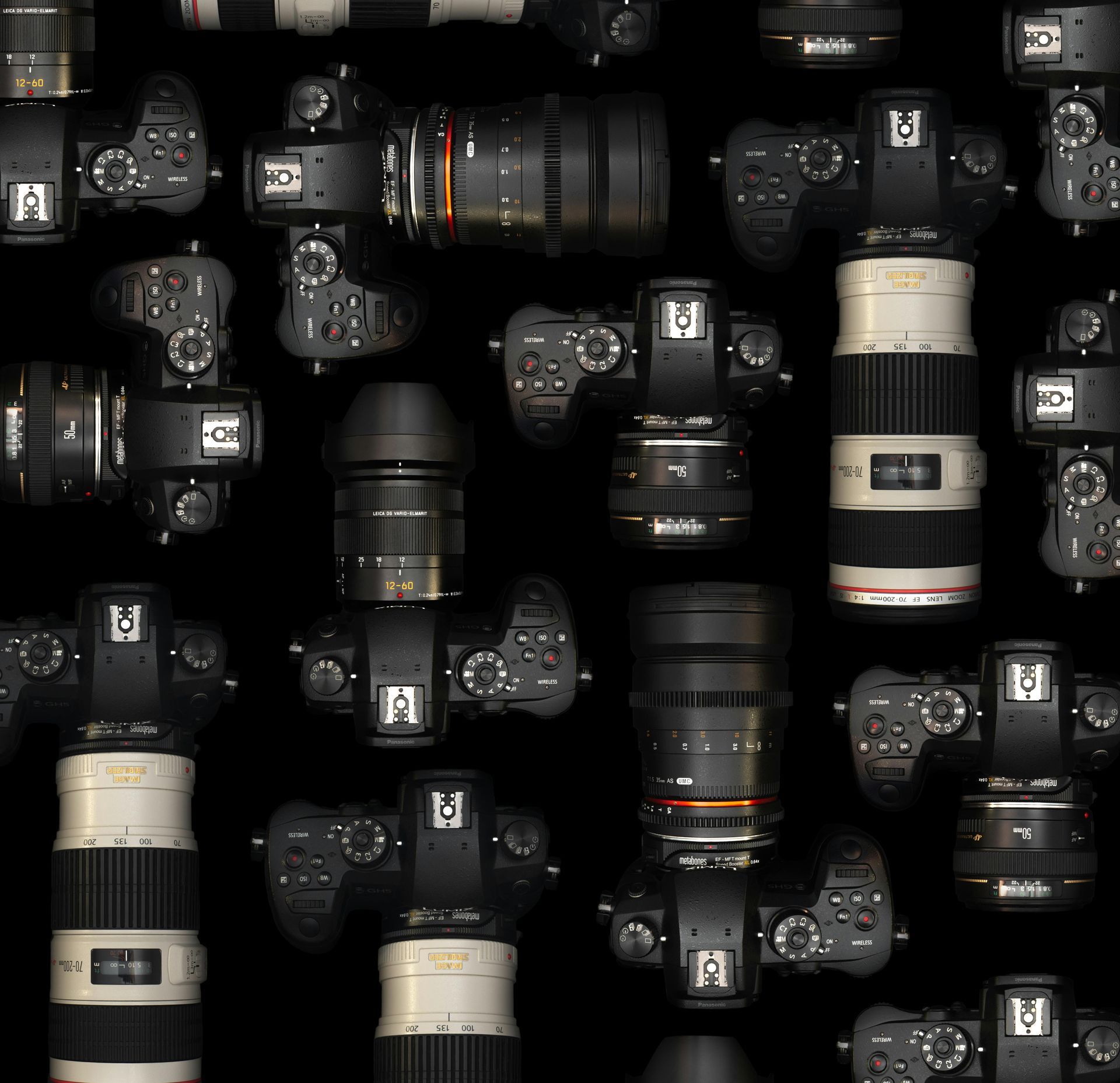
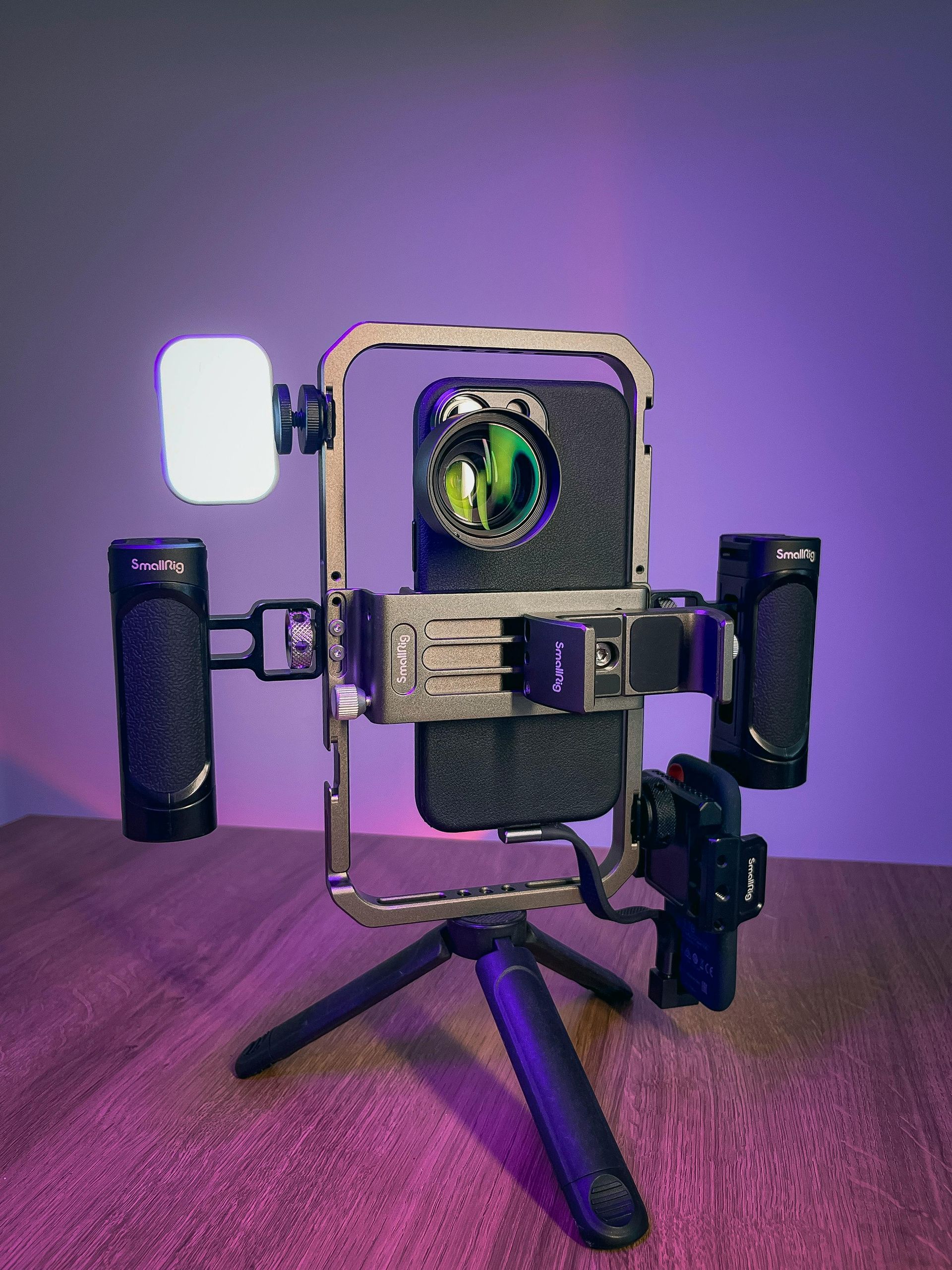
Starting out as a content creator can feel overwhelming because there is always another camera, light, microphone, or accessory being promoted online. The truth is that most beginners do not need a huge studio or the most expensive setup to create strong content. What matters most is having a reliable group of tools that help you shoot clearly, sound professional, stay organized, and create consistently. A smart starter kit should make content easier to produce, not more complicated.
The foundation of any content creator starter kit is a good camera or smartphone. Many creators begin with a modern smartphone, and that is perfectly fine. Others may prefer a beginner mirrorless camera for more control and better image quality. Either option can work well depending on your budget and goals. The key is choosing a device you will actually use often rather than waiting for the “perfect” gear.
Once you have a camera, the next priority is audio. Good sound can instantly make your videos feel more professional. Viewers may forgive average visuals, but poor audio often makes people stop watching. A basic wireless microphone, lav mic, or shotgun mic can help your talking videos, interviews, lifestyle clips, fitness content, and business promos sound much cleaner and more polished.
Lighting is another major piece of the puzzle. Even great cameras can look weak in bad lighting. A simple LED light, ring light, or soft light can improve skin tones, reduce shadows, and make your content look more professional without a complicated setup. Good lighting is one of the fastest ways to upgrade the quality of your videos and photos.
Stability also matters more than many beginners expect. A tripod helps keep shots sharp, steady, and intentional. Whether you are filming a talking-head video, taking product photos, or shooting workout content, a tripod gives your content a cleaner, more polished look. If you plan to move around more, a small gimbal or handheld stabilizer can also help create smoother motion.
Storage and power are two things new creators often overlook. Extra batteries, memory cards, and a dependable charger keep you from getting stuck in the middle of filming. An external hard drive or SSD is also important for backing up your photos and videos, especially once your content library starts growing. Staying organized early can save a lot of frustration later.
A content creator starter kit should also include tools that make the process easier day to day. A camera bag or gear case helps protect your equipment and keeps everything together. A card reader, charging cables, and basic cleaning tools may seem small, but they make your workflow much smoother. These simple accessories are often what separate a stressful shoot from an easy one.
Editing is part of content creation too, so having a laptop, tablet, or computer that can handle basic editing is important. You do not need the most advanced machine right away, but you do need something reliable enough to organize files, trim videos, adjust photos, and create content consistently. Good gear is not only about what you film with, but also about how you finish and deliver the content.
The best content creator starter kit is one that helps you start now, learn your workflow, and grow over time. You do not need everything at once. Begin with the essentials, create consistently, and upgrade based on the kind of content you enjoy making most. A smaller setup that you know how to use well is far more valuable than an expensive setup that rarely leaves the shelf.
10 Essential Items for a Content Creator Starter Kit
- Camera or smartphone
- Microphone
- Tripod
- LED light or ring light
- Extra batteries
- Memory cards
- Charger and cables
- External hard drive or SSD
- Camera bag or gear case
- Laptop or computer for editing
Content Creator Starter Kit: Essential Gear
4. Repurpose one idea into multiple pieces
One good idea can become a blog article, a short-form video, a Pinterest Pin, a carousel post, and an email. HubSpot specifically recommends repurposing blog content into videos and breaking long content into bite-size social content, which is one of the easiest ways to create more without starting from scratch every time.
5. Make visuals clean and platform-friendly
Strong visuals matter, but they need to fit the platform. Pinterest’s best-practices guidance emphasizes using the right format and creative structure for Pins and ads, while Pinterest’s business pages also note that every Pin can link directly to your site. Good composition, clear focus, and platform-ready sizing help content perform better.
6. Post fresh content consistently
Consistency beats random bursts of effort. Pinterest’s current audience-growth guidance says fresh Pins added weekly help you stay in front of your audience and reach new people over time. Regular posting also gives you more chances to see what topics, visuals, and offers actually connect.
7. Prioritize strong audio and lighting
People often think content quality starts with the camera, but audio and lighting usually make a bigger difference first. Clean sound, even lighting, and a stable shot instantly make beginner content feel more professional. That is why many creator kits bundle a light, mic, and small tripod with the camera or phone mount.
8. Create with search in mind
Titles, descriptions, and topics should match what people are already looking for. Evergreen, searchable topics like “best camera gear for beginners,” “how to shoot real estate video,” or “best creator lights” can keep bringing traffic longer than trend-only posts. Pinterest and search both reward content that is relevant, useful, and easy to understand.
1. Canon EOS R50 Content Creator Kit
A strong all-around beginner kit because it combines an interchangeable-lens APS-C mirrorless camera with creator-focused accessories. Accessible listings describe it as a content creator kit built around the RF-S 18-45mm lens, making it a good fit for video, photos, and general social content.
2. Canon EOS R10 Content Creator Kit
A step up for someone who wants stronger autofocus and room to grow without jumping all the way into a premium setup. Accessible listings describe it with the RF-S 18-45mm lens, tripod, and stereo microphone.
3. Sony ZV-E10 Lens Kit
One of the strongest video-first starter options because the ZV-E10 line is built with creators in mind and the 16-50mm kit lens covers a useful range for beginner shooting. Current product listings describe it as a mirrorless vlog camera kit with a power zoom lens.
4. DJI Osmo Pocket 3 Creator Combo
A great option for creators who care more about speed and mobility than interchangeable lenses. Current listings highlight its 1-inch CMOS sensor, built-in stabilization, and strong creator-focused package.
5. Sunpak Ultimate Vlogging Kit
A good all-in-one value kit for people starting with a smartphone or smaller camera. Current listings describe it as including a BOYA microphone, a 14-inch bicolor LED ring light, and multi-device support.
6. Movo iVlogger Vlogging Kit for iPhone
A practical starter set for iPhone creators who want a simple package with a light, mic, phone mount, and tripod. Current listings describe it as an all-in-one package for smartphone content creators.
7. Movo uVlogger Kit for Android
A similar smartphone-focused option for Android users. Current listings describe it as a rig with phone holder, tripod, light, microphone, and related accessories.
8. RODE Vlogger Kit Universal
A strong choice if you want a more trusted audio brand in your starter setup. Current listings describe it as including a microphone, tripod, smartphone mount, and LED lamp for smartphone filmmaking.
9. Lume Cube Mobile Creator Kit 2.0
A good pick for creators who want a mobile-first kit with stronger lighting support. Current product listings show it as a dedicated mobile creator package.
10. SmallRig All-in-One Video Kit for Smartphone Creators
A strong phone-based rig for creators who want a more modular setup. Current listings show a high rating and position it as an all-in-one smartphone creator kit.
Final Takeaway
The best content creators usually win by being clear, consistent, and useful. Start with a manageable system, make content people can actually use, repurpose your strongest ideas, and improve your visual quality with the right basic tools. Over time, that combination is more reliable than chasing every trend.
9. Show your process, not just the final result
Behind-the-scenes content helps people connect with your work. Show your setup, your planning, your editing, your mistakes, or how you captured the final shot. Pinterest’s creator guidance encourages conversation and showing ideas in a way that invites connection, which makes process-based content valuable alongside polished finished work.
10. Measure what performs and make more of it
Not every post needs to go viral to be successful. Watch what gets clicks, saves, watch time, replies, and site visits. Then make more content in that direction. Pinterest business tools and analytics are built to help creators and brands see what resonates and refine future content.
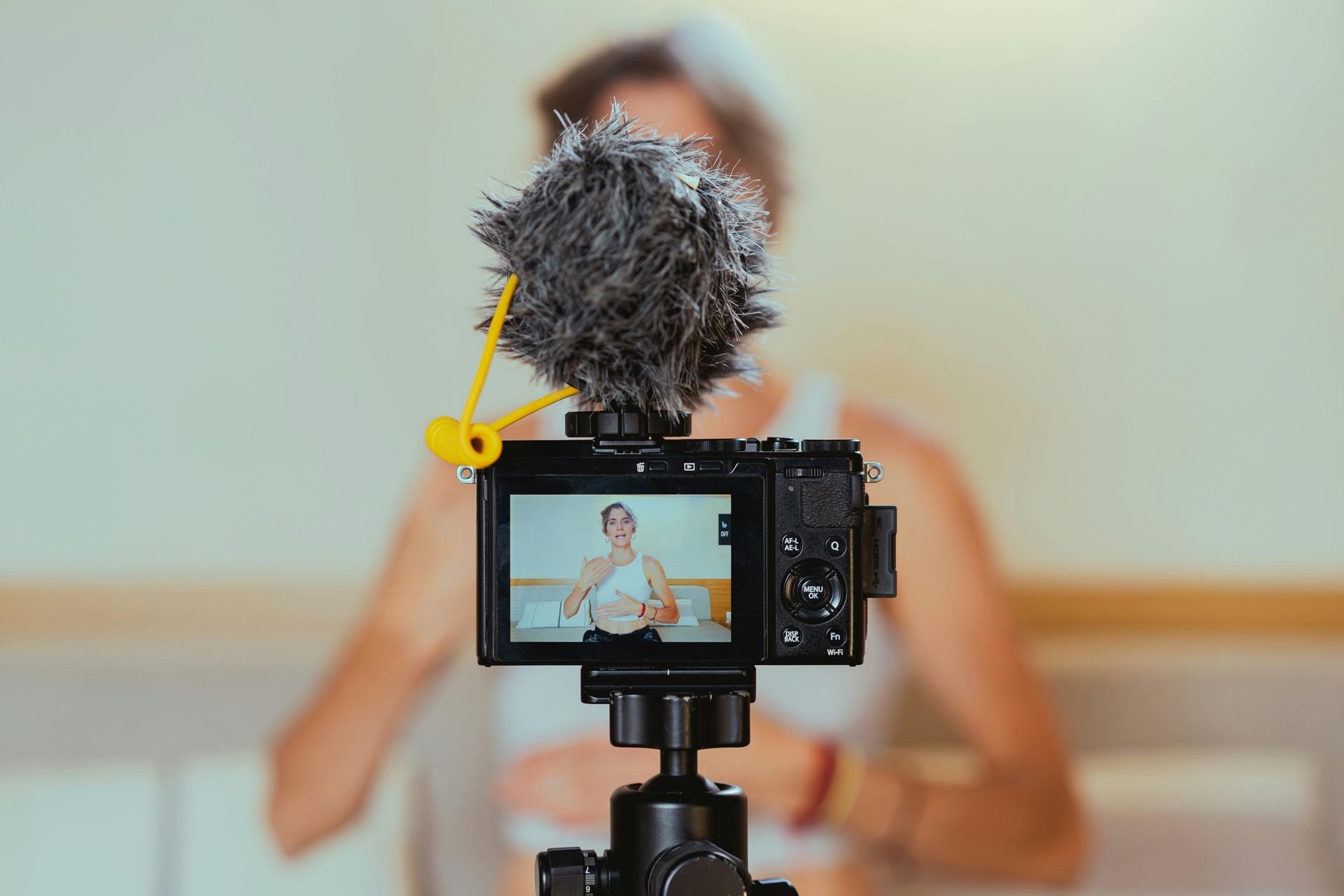
Great content usually is not about having the most expensive gear or chasing every trend. It comes from being clear, consistent, useful, and easy to recognize. A strong content system starts with a plan, then gets better through repetition and simple improvements over time. HubSpot’s current strategy guidance emphasizes planning formats and distribution in advance, while Pinterest’s business guidance emphasizes creating fresh content regularly and linking Pins directly to your site.
1. Know exactly who you are creating for
The best content gets stronger when it is made for a specific audience instead of “everyone.” Decide who you want to reach, what problems they have, what they want to learn, and what kind of visuals or tone they respond to. A focused audience makes it easier to choose topics, captions, thumbnails, and platforms.
2. Build around a simple content strategy
Before filming or designing anything, know your goal. Are you trying to get leads, drive traffic, grow brand awareness, or sell a product? HubSpot’s strategy guidance recommends deciding what formats you will create and which channels you will use before publishing, because that improves consistency and relevance.
3. Create content that is useful first
Helpful content tends to last longer than content built only around hype. Tutorials, gear guides, behind-the-scenes posts, how-tos, comparisons, and problem-solving posts often work well because they answer real questions. This is especially valuable for Pinterest and search-driven content, where people are actively looking for ideas and solutions.
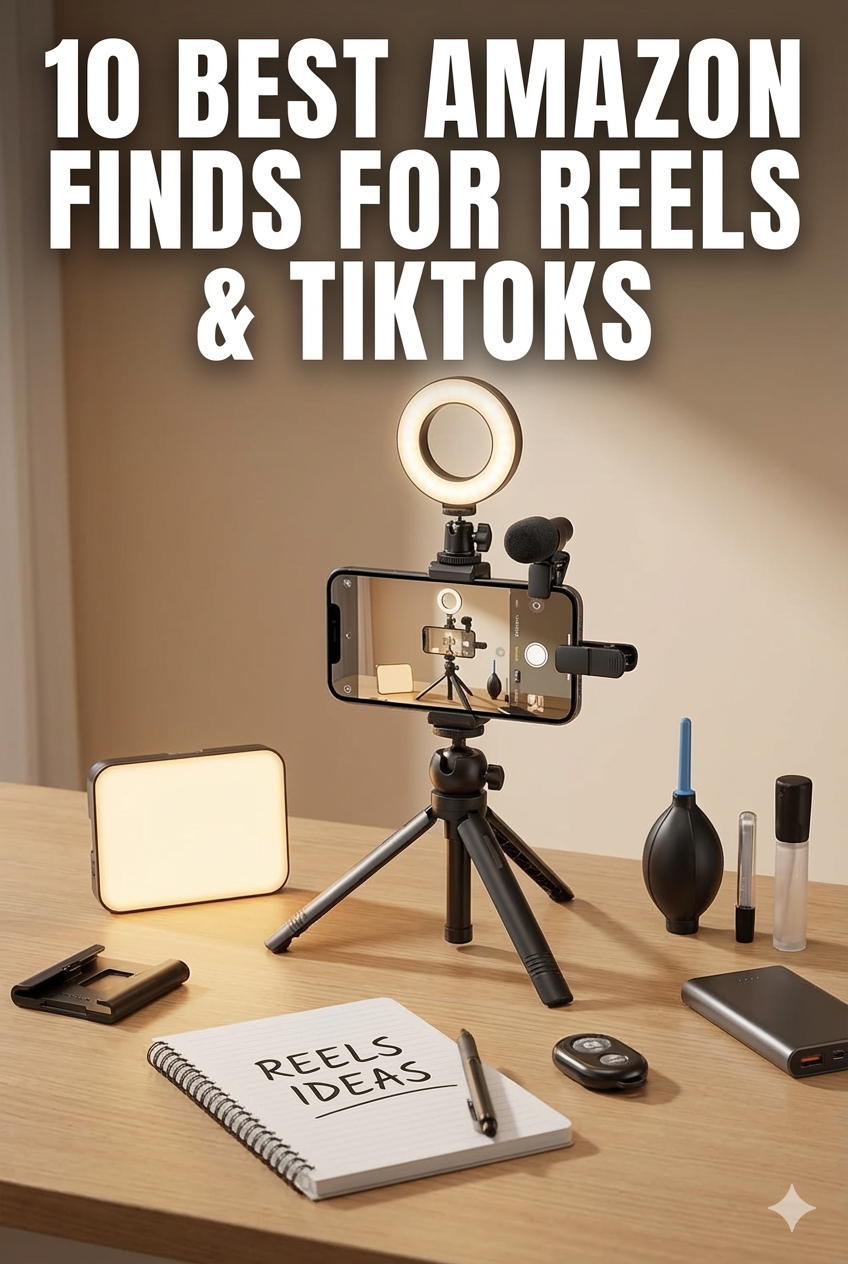
10 Best Tips for Content Creation
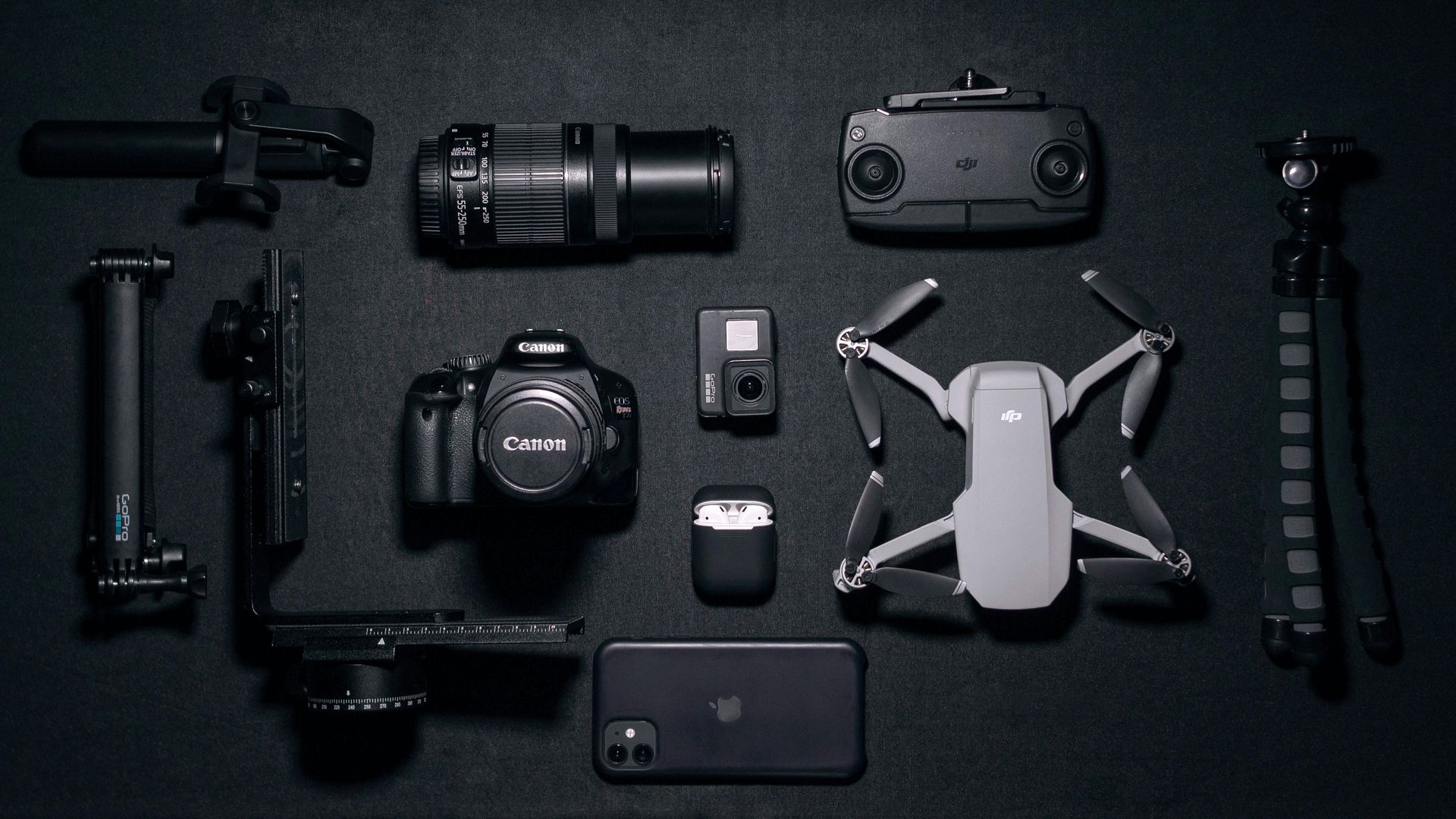
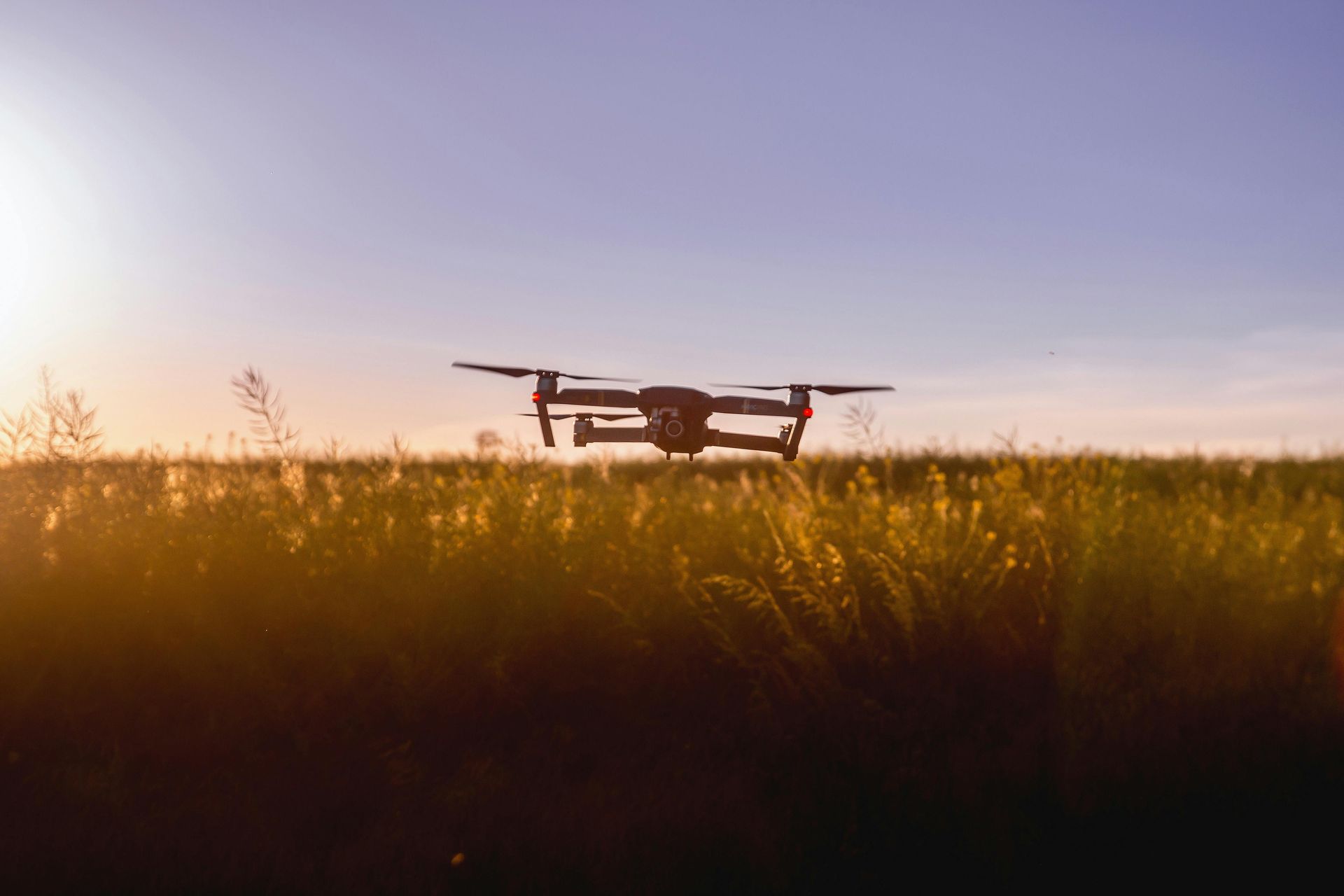
Aerial Highlights and Visual Stories
Showcasing our expertise through striking drone photography and video
Real Estate Developer
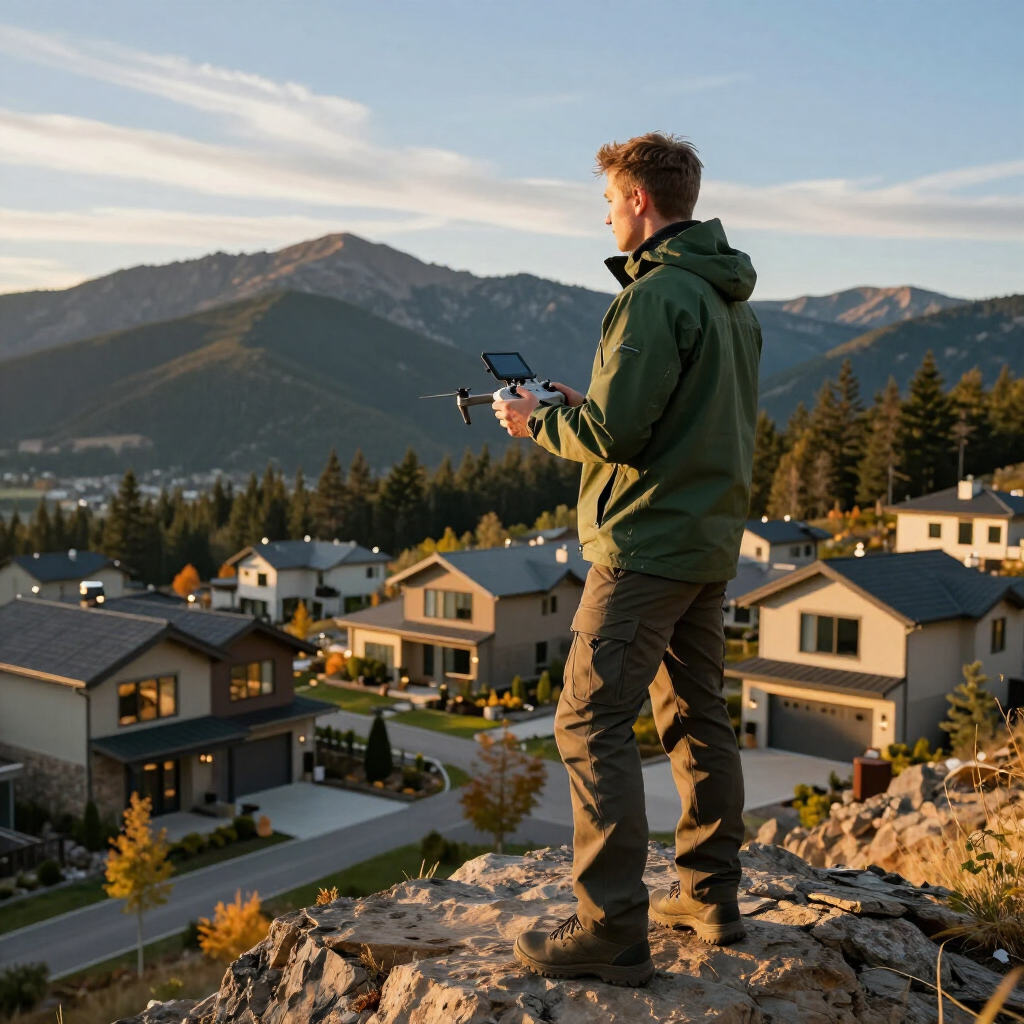
Ground Up Visuals delivered aerial footage that perfectly showcased our new community. Their attention to detail and timely updates helped us attract buyers faster than expected.
Maya Thompson
Founder, Blue Ridge Homes
Get in Touch
Contact Ground Up Visuals
Reach out with questions about our drone services, video production, or content creation topics. We're here to assist you with tailored solutions and expert advice.
Email Us
contact@groundupvisuals.com
Call Us
(828) 555-0123
Business Hours
- Ma - Vr
- -
- Saterdag
- -
- Sondag
- Gesluit
Connect on Social Media